BB product pages use JS to create and append modal to page using settings from a non loaded modal. Create empty modal to theme and apply settings to. Load the modal like so $(document).on('click', '.product .panel-preview .button', function(e){ var $this = $(this); e.preventDefault(); e.stopPropagation(); if(!$('#eModal-Panel-Preview').length) { var modal = $('
Add Easy Modal options to custom post types.
If you have custom post types set up either via a plugin or theme you may want to add modals to these post types. To show the easy modal options panel for custom post types add the following to your themes functions.php file. Simply change the post types added below to match those you are using.
add_filter('em_post_types', 'my_em_post_types');
function my_em_post_types($post_types)
{
$post_types[] = 'product';
$post_types[] = 'faq';
$post_types[] = 'article';
$post_types[] = 'video';
$post_types[] = 'diy';
return $post_types;
}
Read More
Release Notes – Easy Modal – Version 1.3
In v1.3 we added the ability to create modals inline using shortcodes and fixed quite a few bugs. With a few other small improvements listed below this is an awesome new version. Read More
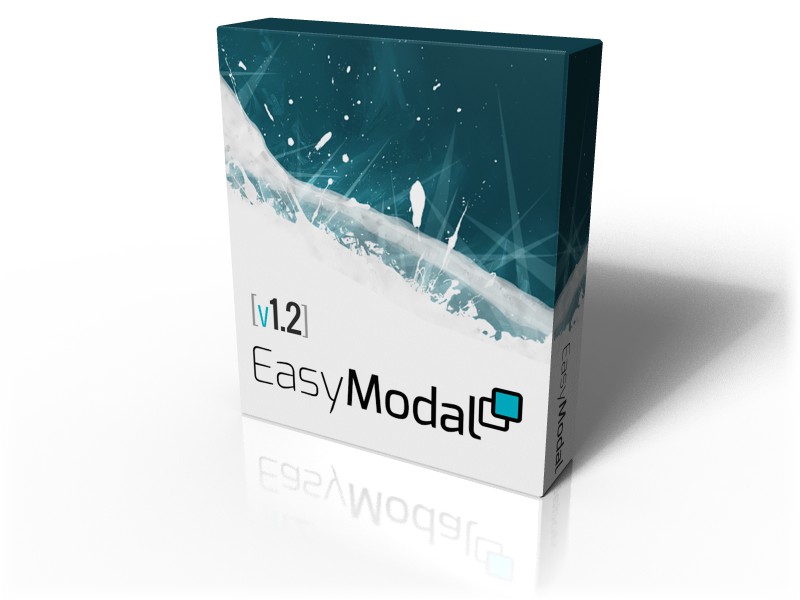
Easy Modal WordPress Plugin v1.2 Is Here.
The main goal going into this version was organization & optimization foremost followed by some great new WOW features. Just before v1.2 we introduced the Visual Theme Editor and the response was great. So let's get into the new features and changes. Read More